> ## Documentation Index
> Fetch the complete documentation index at: https://docs.minestorecms.com/llms.txt
> Use this file to discover all available pages before exploring further.
# Spending Limit
> Set up spending limits for your customers to prevent fraud for anomalous big transactions.
## Introduction
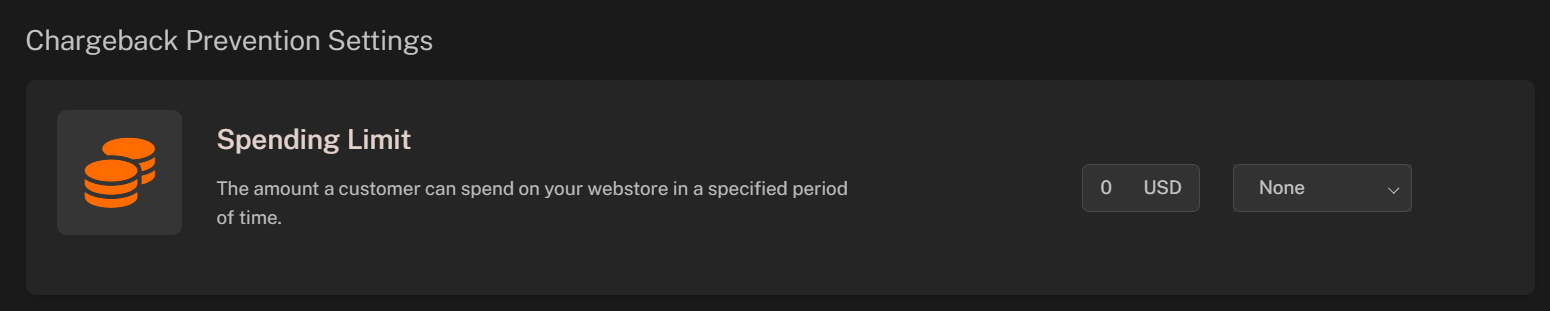
**Spending Limit** is the amount a **customer** can spend on your webstore in a specified period of time.
This feature is disabled by default to do not make it confusing for big customers. You can enable it in the **Admin Panel**.
## **Setting Up Spending Limit**
You can set up **Spending Limits** for your customers to prevent fraud for anomalous big transactions.
To set up a spending limit, follow the steps below:
Click on the **Admin Panel**.
Click on the **Fraud > Spending Limit** tab to access the spending limit management area.
Fill in the **required fields**:
* **Amount**: Configure the amount of the spending limit.
* **Period**: Select the period for the spending limit.
Click on the **Save** button to save the changes.