> ## Documentation Index
> Fetch the complete documentation index at: https://docs.minestorecms.com/llms.txt
> Use this file to discover all available pages before exploring further.
# Allow to Select Server
> This article will guide you on how to allow customers to select the server when purchasing a package.
## **Configuring Servers List to Select**
1. **Select the package** (or create one) you want to allow customers to select the server.
2. Scroll down to the **Commands List** section.
3. **Minecraft Servers**: Select the **Minecraft servers** where the package will be available.
4. Press the **"Configure"** button next to the **Minecraft Servers** field.
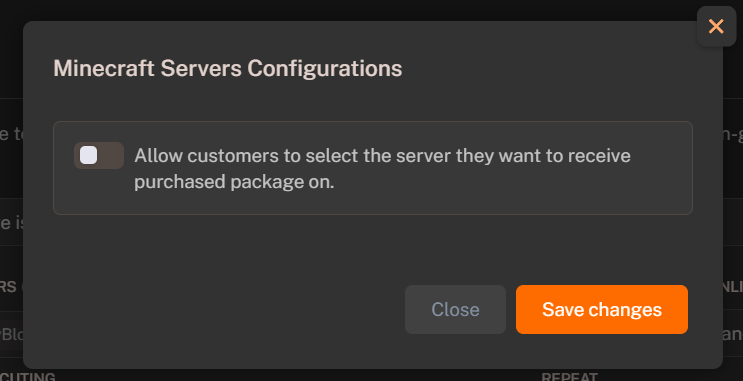
5. Check the **"Allow customers to select the server they want to receive purchased package on"** option.
6. Press the **Save Changes** button.
7. **Save the package**.
The customer will be able to select the server they want to receive the purchased package on when purchasing the package.